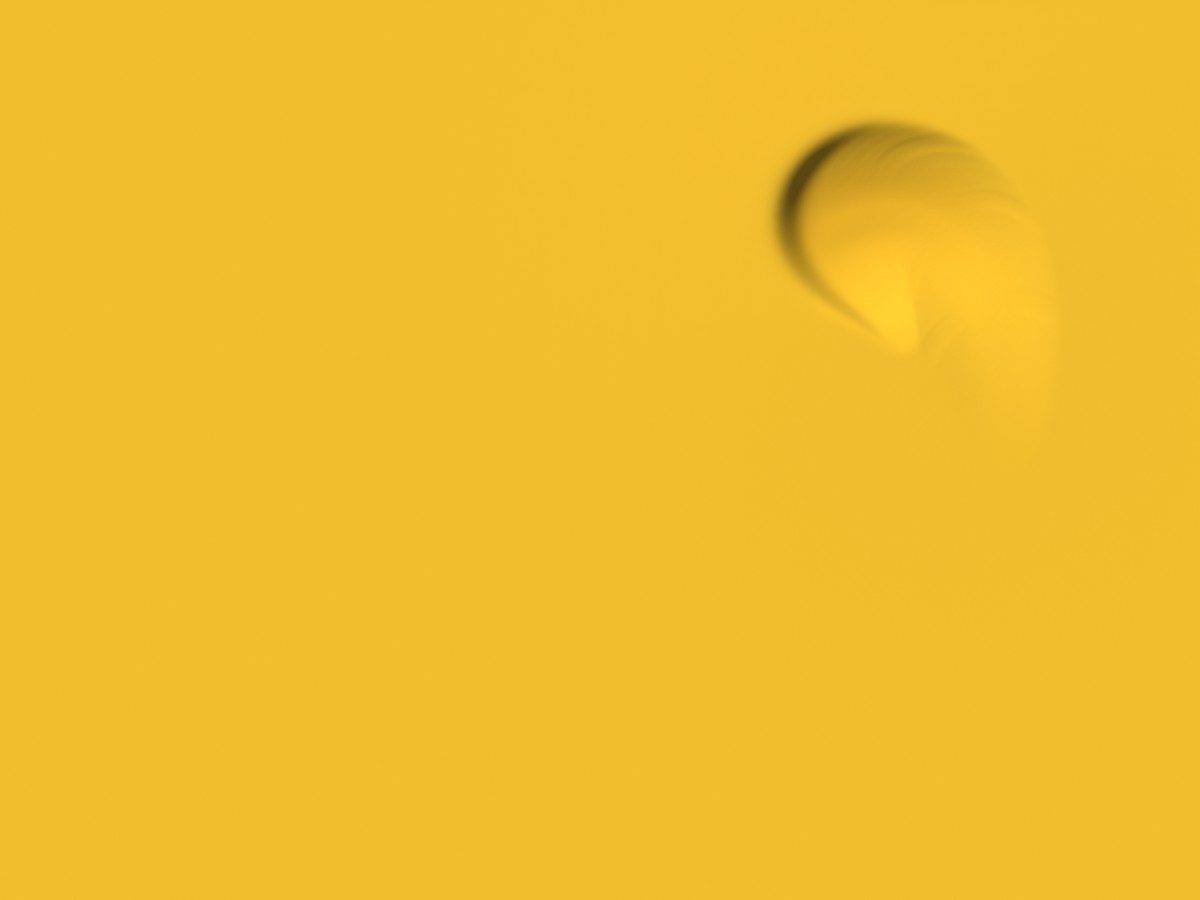
Move the pointer across it. Click to drop.
Water Ripplepremium
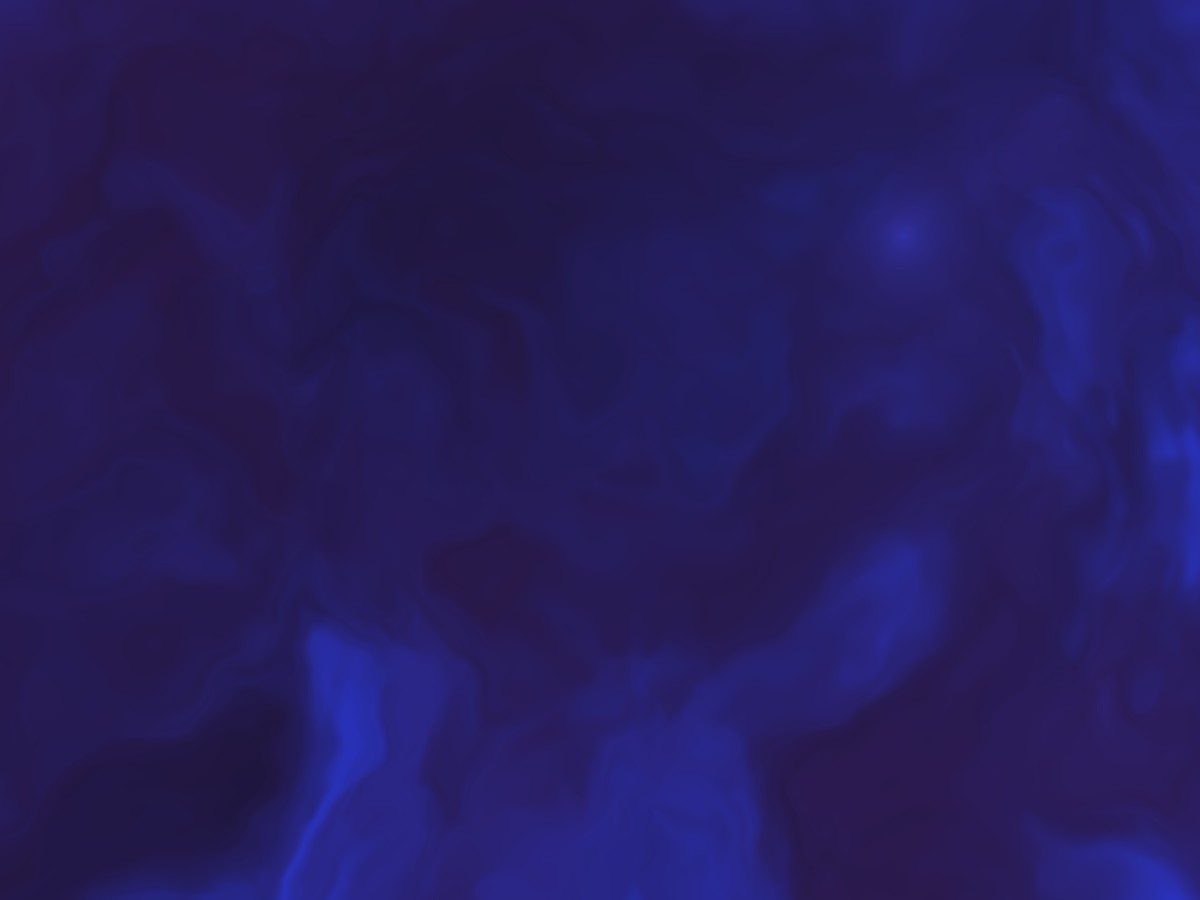
A real wave simulation on the GPU. Ripples follow the pointer, cross and interfere.
If the demo runs in your browser, the effect will too.
Or get every effect in the library for $99- Made with
- WebGL
- Size
- 11.6 KB gzipped, no dependencies
- Works in
- HTML, React, Elementor, Claude skill
- Without support
- Where WebGL is unavailable it becomes a CSS gradient in your own colours.
The spec
Measured, not promised. The same script runs on every effect, so you can compare them.
- Download
- 11.6 KB gzipped0 dependencies. 0 network requests of its own while running.
- Page load
- 23.1 ms to startMedian of 30 starts. Layout shift caused: 0.
- Main thread
- under 0.1 ms per frame95th percentile 0.1 ms, under constant input, at 60 fps.
- GPU
- About 1.2 ms per frame at 2880×1800Taken separately, on the same machine.
- Resolution
- 2880 × 1800 at 1440 × 900Pixel ratio capped at 2 on high-density screens.
- At rest
- Stops after 28 sThen 0 frames per second until something touches it.
- Off screen
- 0 frames per secondScrolled out of view, the loop is cancelled.
- Background tab
- 0 frames per secondStops, and picks up where it left off.
- Memory
- 69 KB retainedJavaScript heap after 30 start and destroy cycles.
- Clean up
- 0 canvases left behindEvery listener removed, 0 frames still running after destroy().
- Reduced motion
- 0 frames per secondWhen the visitor's system asks for less motion, it does not animate by itself.
- Screen readers
- Hidden as decorationThe canvas is marked aria-hidden, so your content is what gets read.
v1.0.2. Apple M1 Pro, Chrome, 1440x900 at 2x, 2026-11-05. One machine and one browser: a phone will cost more.
Use it for
- A hero or closing section with a short heading on top.
- A site with one strong accent: the glow and the water take your colours.
Skip it for
- Long text directly on the water. The glints can eat small type, so put a scrim between them.
Installing it
Download
After paying you get a ZIP. Unzip it; the folder is the whole effect.
Put it in your project
Drop the folder into your project and tell your AI assistant “Install this Unbland effect in my project.” No assistant? Paste the HTML version into Elementor’s HTML widget, or add one script tag to your page.
What you can change
- colorDeep · colorShallow · colorGlow
- The pool's depth, its lit floor and the shimmer — usually your brand accent.
- damping
- How long ripples last, from a quick fade to very persistent.
- rippleSize
- From a tight droplet to a broad swell.
- autoDrops
- Gentle rain on its own. Off by default, so text on top stays readable.
Every option is listed in the package, in plain words.
Requirements and testing
Any browser with WebGL — every current desktop and mobile browser.
Driven end to end in Chrome on macOS, in Elementor on a live site, in React and Next.js, and in Safari on an iPhone 13 Pro. Lovable and Framer are expected to work but were not tested live.
Questions
Will it fight the text I put on top?
No. It makes one ripple on arrival and then waits for the visitor, so a heading over it stays still and readable.
How do I know it will work on my site?
The demo on this page is the effect itself, running in your browser. If it runs here, it will run on your site in the same browser.
Can I use it on a client's website?
Yes. A single purchase covers up to three projects, and a client's site counts as one of them. The client keeps theirs for good.
Something isn't working after I bought it. What now?
Write to us first at [email protected] — say which browser and device, with a link or a screenshot. Most problems are solved in one reply. If the effect itself can't be made to work for you, you get your money back.
What do I get after paying?
A download link straight away, with a ZIP containing the effect, its instructions for AI assistants, and a plain-language readme.