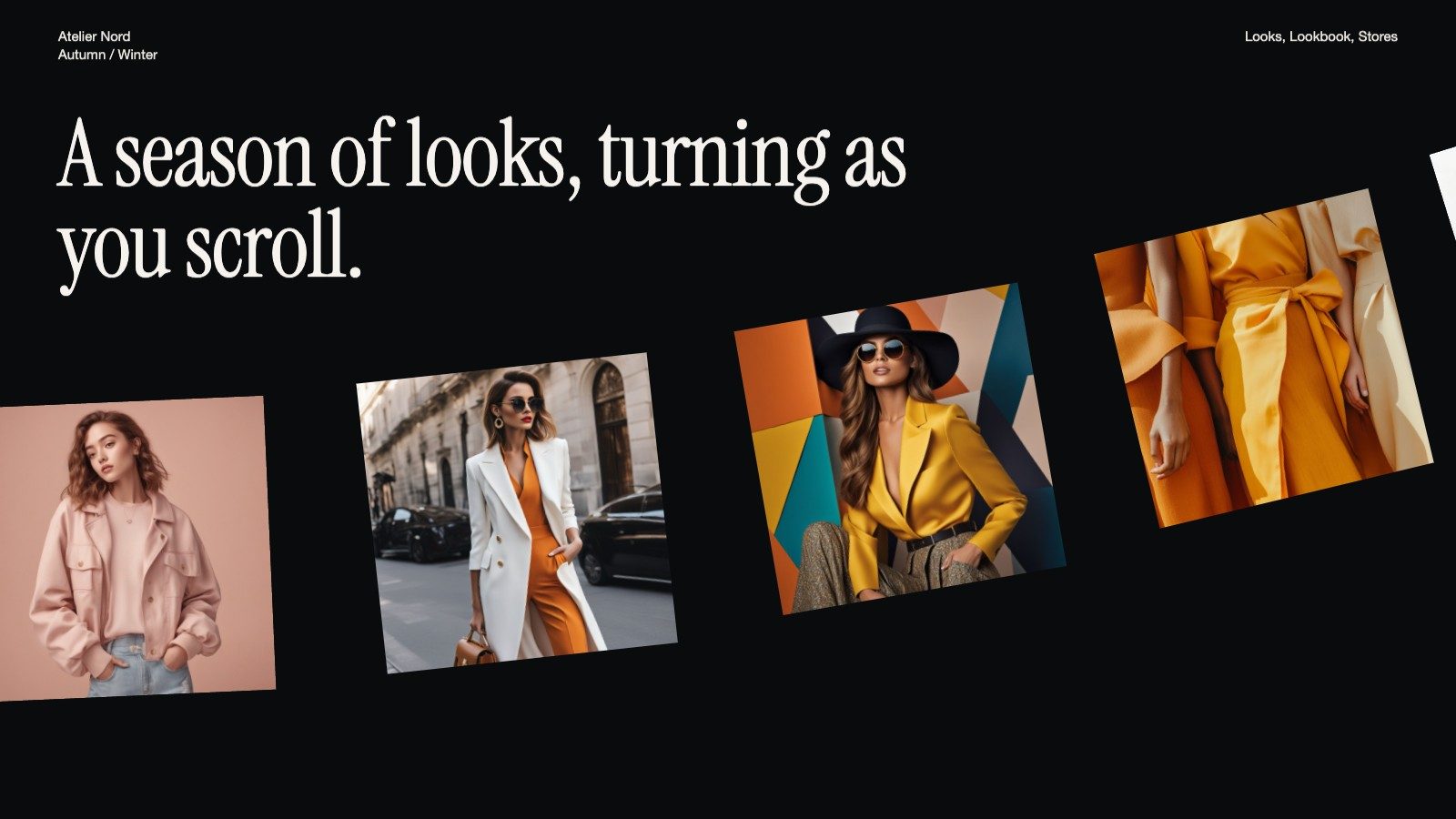
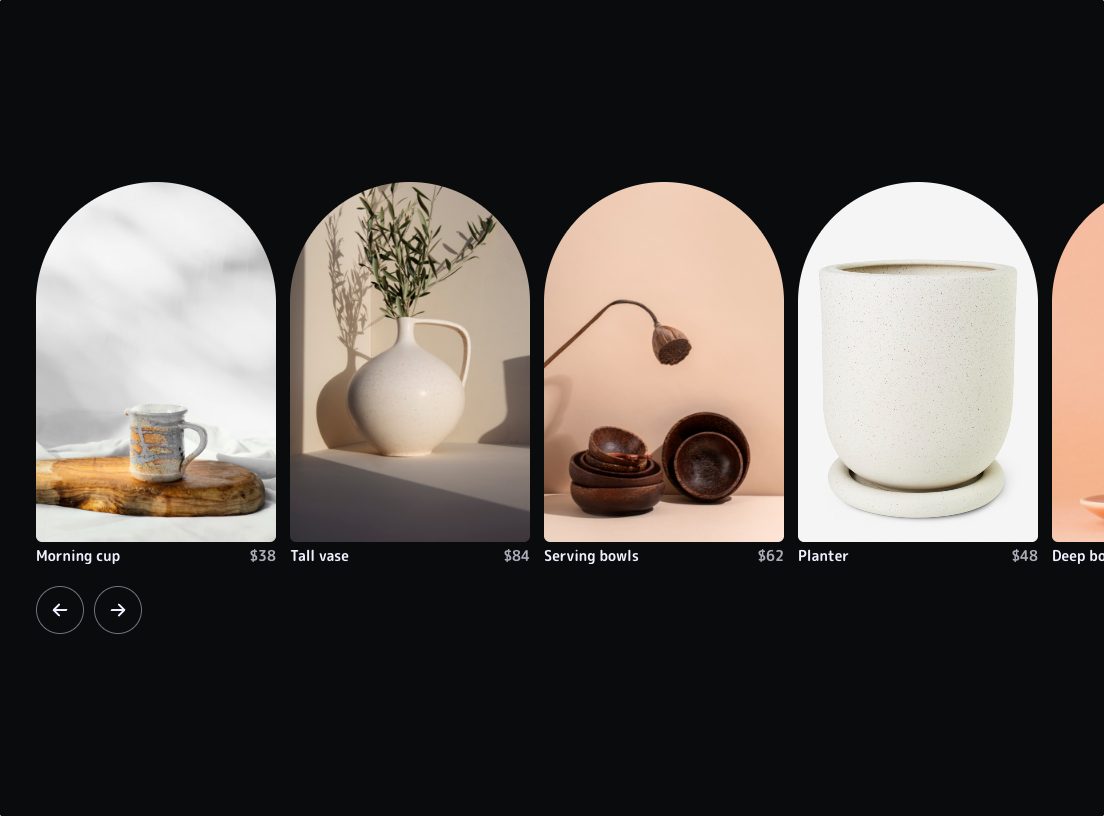
Press into it with the pointer.
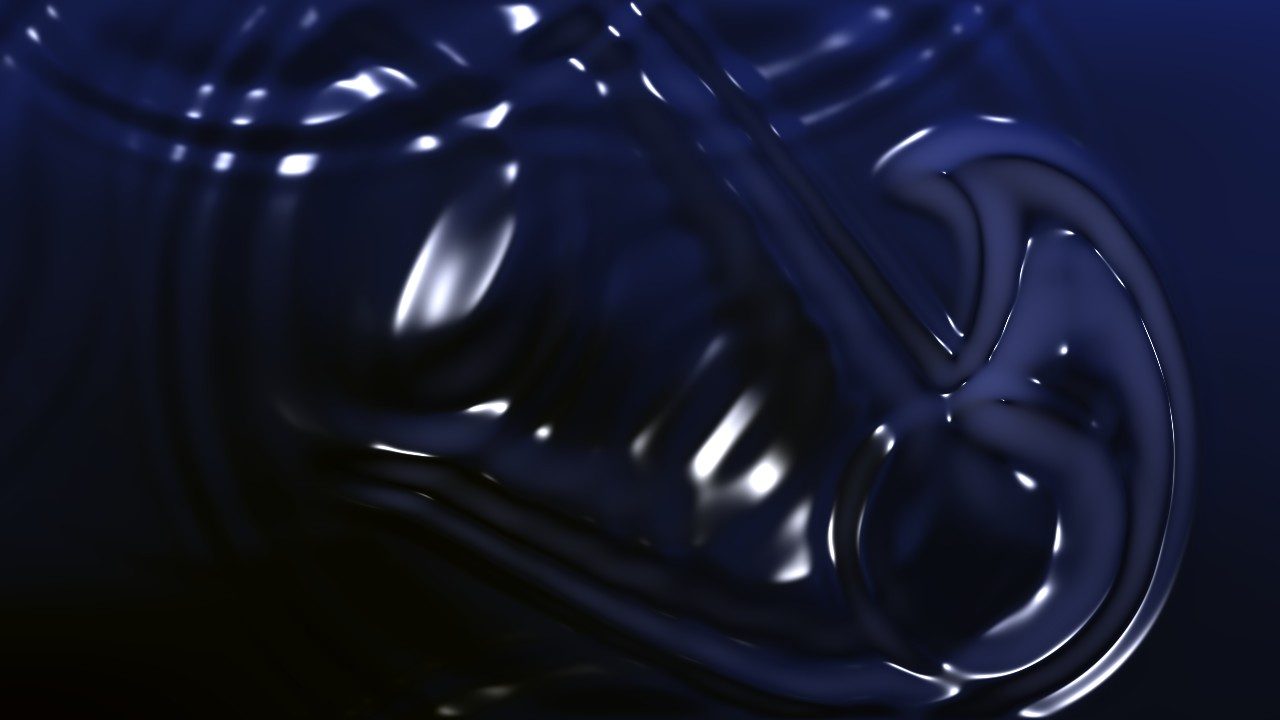
Soft Surfacepremium
A soft material that gives under the pointer. Add a heading, a button or a product rail.
If the demo runs in your browser, the effect will too.
Or get every effect in the library for $99- Made with
- WebGL 2
- Size
- 15 KB gzipped, no dependencies
- Works in
- HTML, Visual builder, Claude skill
- Without support
- There is no fallback: without WebGL 2 the section stays empty. Give it a background colour and that shows through.
The spec
Measured, not promised. The same script runs on every effect, so you can compare them.
- Download
- 15 KB gzipped0 dependencies. 0 network requests of its own while running.
- Page load
- 14.1 ms to startMedian of 30 starts. Layout shift caused: 0.
- Main thread
- under 0.1 ms per frame95th percentile 0.1 ms, under constant input, at 60 fps.
- GPU
- Not measuredA script cannot read this, and we have not taken it by hand yet.
- Resolution
- 2880 × 1800 at 1440 × 900Pixel ratio capped at 2 on high-density screens.
- At rest
- Stops after 3 sThen 0 frames per second until something touches it.
- Off screen
- 0 frames per secondScrolled out of view, the loop is cancelled.
- Background tab
- 0 frames per secondStops, and picks up where it left off.
- Memory
- 86 KB retainedJavaScript heap after 30 start and destroy cycles.
- Clean up
- 0 canvases left behindEvery listener removed, 0 frames still running after destroy().
- Reduced motion
- 0 frames per secondWhen the visitor's system asks for less motion, it does not animate by itself.
- Screen readers
- Hidden as decorationThe canvas is marked aria-hidden, so your content is what gets read.
v1.0.4. Apple M1 Pro, Chrome, 1440x900 at 2x, 2026-11-05. One machine and one browser: a phone will cost more.
Use it for
- The first section of a page: a hero with a heading, a button or a product rail.
Skip it for
- A section that must appear in every browser. Without WebGL 2 it stays empty, so give the container a background colour.
- Pages that need the normal cursor over the section, unless you set hideCursor to false.
Installing it
Download
After paying you get a ZIP. Unzip it; the folder is the whole effect.
Tune it, if you like
Open
builder.htmlin your browser, adjust it by eye, and keep the settings it gives you.Put it in your project
Drop the folder into your project and tell your AI assistant “Install this Unbland effect in my project.” No assistant? Paste the HTML version into Elementor’s HTML widget, or add one script tag to your page.
What you can change
- surface.color
- The material's colour. Everything else is lit from it.
- surface.press · surface.radius
- How deep the pointer sinks in, and how wide.
- heading · subheading · button
- Optional copy and a call to action on top of the surface.
- products
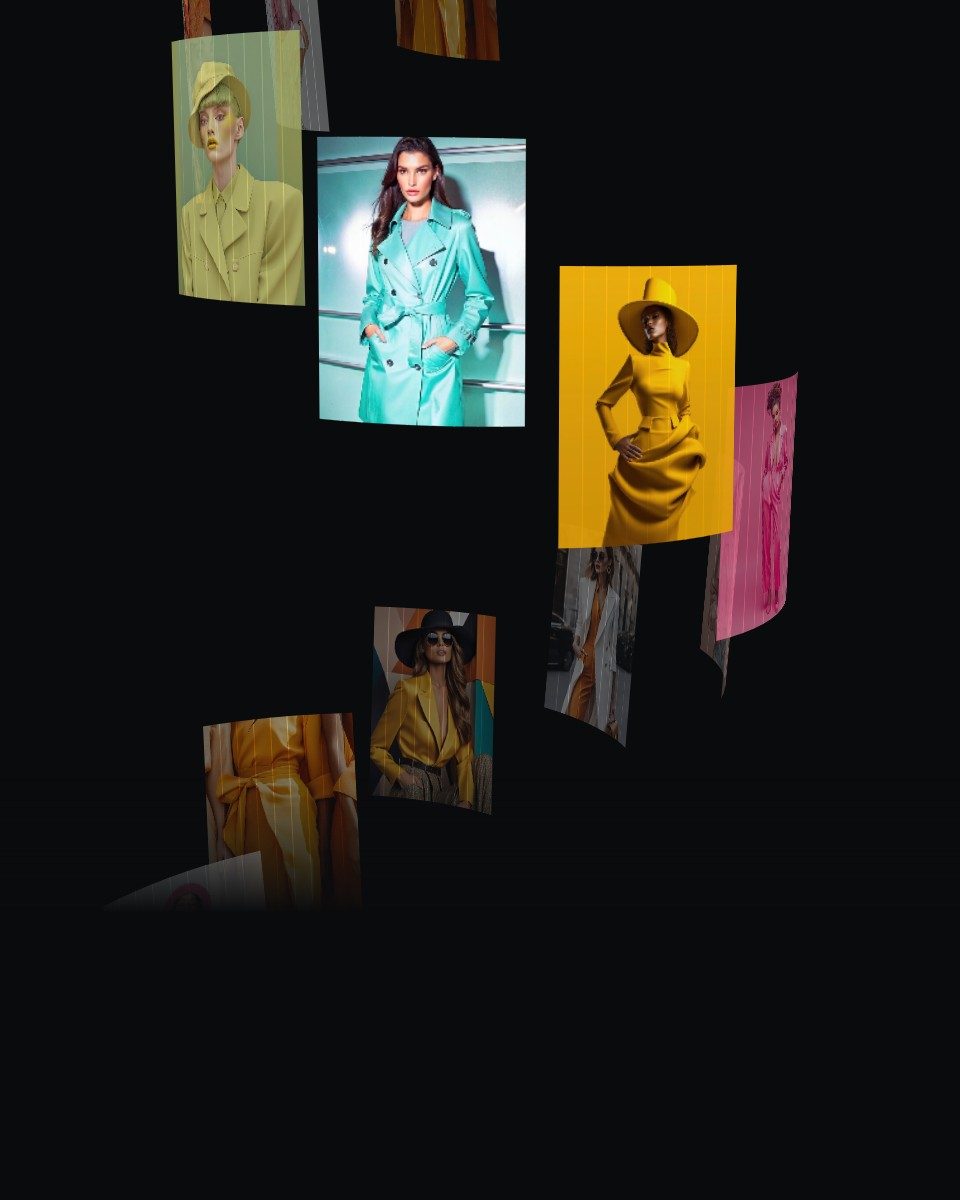
- An optional rail of product cards drifting across it.
Every option is listed in the package, in plain words.
Requirements and testing
WebGL 2 — every current desktop and mobile browser.
Tested in Chrome and Safari on macOS and in Safari on an iPhone 13 Pro. Firefox, Edge and Android are expected to work but were not tested live.
Questions
Can I try settings before installing?
Yes. The package includes a builder you open in your browser; switch on what you need and copy the result.
How do I know it will work on my site?
The demo on this page is the effect itself, running in your browser. If it runs here, it will run on your site in the same browser.
Can I use it on a client's website?
Yes. A single purchase covers up to three projects, and a client's site counts as one of them. The client keeps theirs for good.
Something isn't working after I bought it. What now?
Write to us first at [email protected] — say which browser and device, with a link or a screenshot. Most problems are solved in one reply. If the effect itself can't be made to work for you, you get your money back.
What do I get after paying?
A download link straight away, with a ZIP containing the effect, its instructions for AI assistants, and a plain-language readme.