Uncovered, not faded
It runs as the heading comes into view.
Shutter Typefree
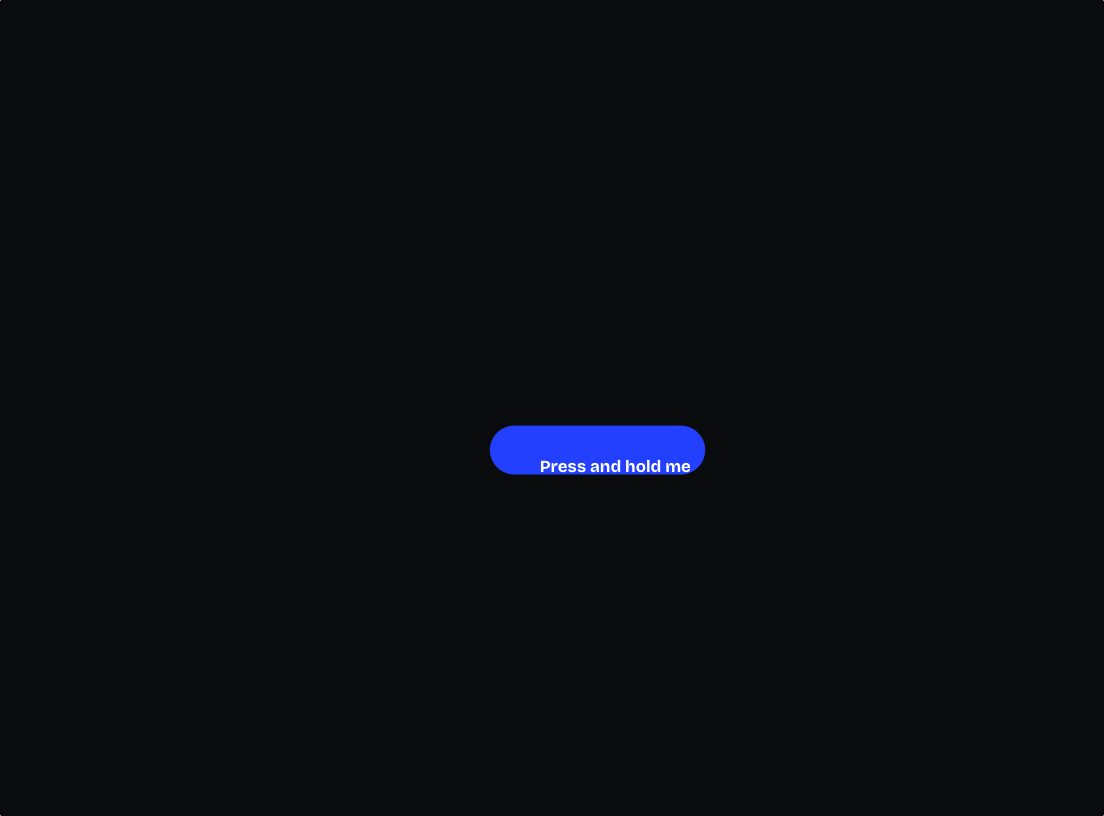
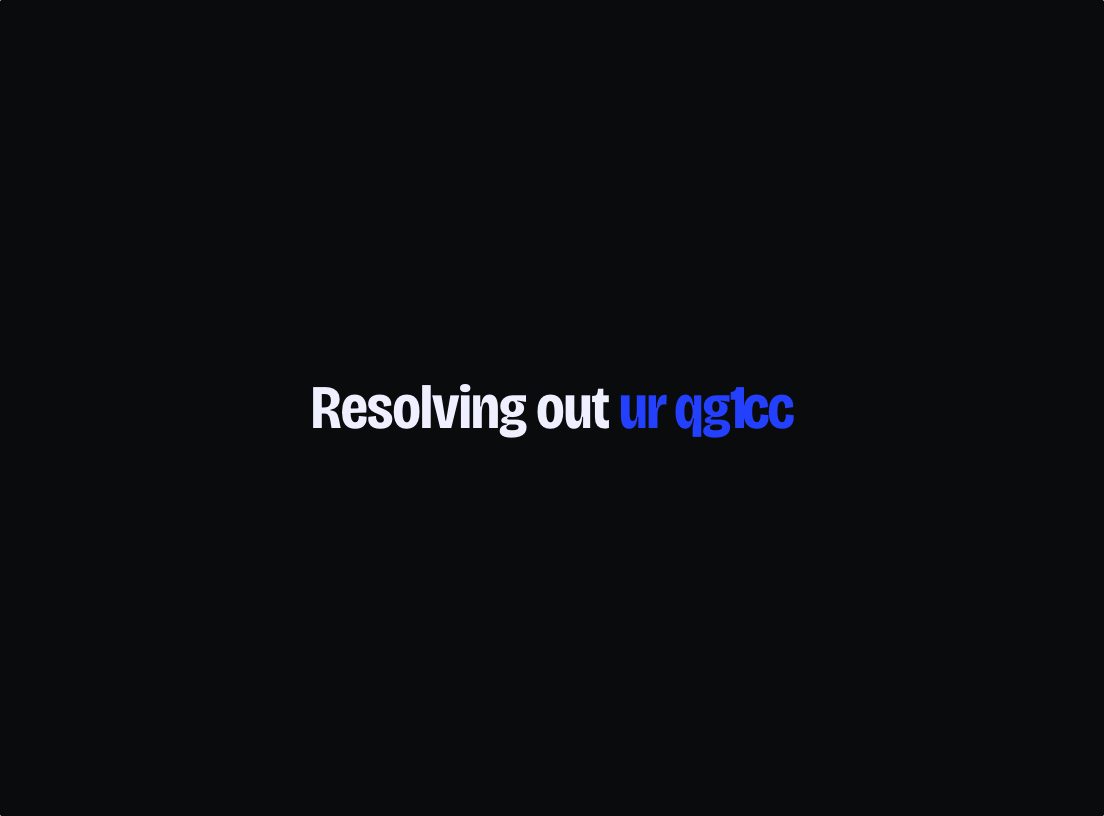
Letters arrive from under their own clipped edge, with the reveal crossing the whole block as one front.
No account, no email. The ZIP has the effect, its readme and its instructions for an AI assistant.
Or see the effects we sell →- Made with
- DOM
- Size
- 2.4 KB gzipped, no dependencies
- Works in
- HTML, React, Elementor, Claude skill
- Without support
- With reduced motion the text is shown in place, immediately, and is never hidden.
Installing it
Download
After paying you get a ZIP. Unzip it; the folder is the whole effect.
Put it in your project
Drop the folder into your project and tell your AI assistant “Install this Unbland effect in my project.” No assistant? Paste the HTML version into Elementor’s HTML widget, or add one script tag to your page.
What you can change
- trigger
- On scroll into view, on hover, on load, or only when you ask.
- from
- Whether letters arrive from below, from above, or fade in place without moving.
- sweep
- Which way the reveal runs. Left alone it follows the element's own direction, so Hebrew is right without being told.
- duration · settle
- How long the front takes to cross, and how long one letter takes to arrive.
Every option is listed in the package, in plain words.
Requirements and testing
Any browser with IntersectionObserver — everything since 2019. Any font.
Driven in a Chromium engine on macOS in both directions, with the Hebrew reveal, the descender clipping and the reduced-motion path checked in the DOM. Not opened in Safari, Firefox, on a phone, in React or in WordPress.
Questions
Does it work in Hebrew?
Yes, and the reveal reverses on its own from the element's direction — the rightmost letters arrive first. A line mixing Hebrew with Latin or digits is the one case to avoid.
Will it cut the tails off g and p?
No. The clipping region is opened above and below and the space taken straight back, so descenders are whole and the line height is unchanged.
How do I know it will work on my site?
The demo on this page is the effect itself, running in your browser. If it runs here, it will run on your site in the same browser.
What does free actually mean here?
Use it in as many projects as you like, your own or your clients', commercially, for as long as you like. Keep the credit comment at the top of the source file. Don't sell it on, and don't republish it as your own effect or inside a template. That is the whole licence.
Can I use it on a client's website?
Yes, on as many as you like, and the client keeps theirs. Nothing to buy and nothing to register.
What's the catch?
There isn't one, but there is a reason. The effects we sell are whole scenes — a simulated water surface, a coil of photographs in real 3D. The free ones are one element or one layer. Same standard, smaller idea.
Something isn't working. What now?
Write to us at [email protected] — say which browser and device, with a link or a screenshot. Free effects have no support promise, but questions are answered as time allows.